Easy Throw
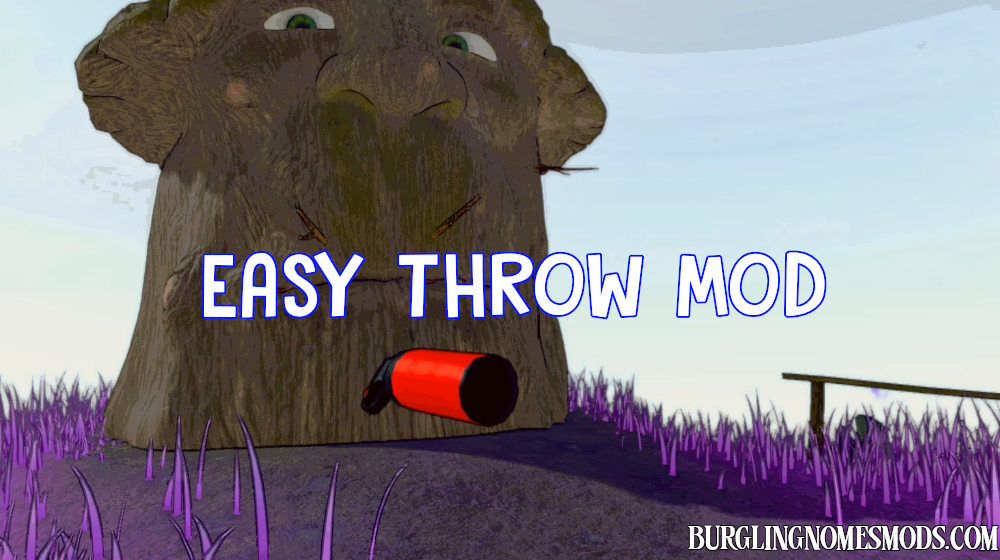
Easy Throw Mod improves the physics-based throwing mechanic by making it more intuitive and powerful without requiring complex 360-degree rotations.
How it works
The mod monitors your hand state and camera movement. It intelligently distinguishes between dropping an item and throwing it:
- To Put Down/Drop: Simply look down at the floor or a table and release the object. The mod detects the downward angle and lets the object fall naturally.
- To Throw: Look forward or perform a slight “flick” motion with your mouse while releasing. The mod will instantly apply a configured velocity to the object in the direction of your crosshair.
Configuration Settings
The mod includes a config file called burglingnomesmods.com.EasyThrow.cfg, located in the BepInEx\config folder, where you can adjust the following values:
- ThrowForce (Default: 25): Controls how far and fast the object flies. High values turn items into deadly projectiles.
- UpwardForce (Default: 3): Adds a slight lift to the throw, creating a natural arc and preventing the item from hitting your own feet.
- MinRotationSpeed (Default: 0.5): Sensitivity of the “flick” throw. Higher values require more aggressive mouse movement to trigger a throw.
- DownwardAngleThreshold (Default: 0.6): Controls the “Drop Zone.” If you look down past this angle, the mod will allow a normal drop instead of a forced throw.
Requirements: BepInEx 5
The mod was created by burglingnomesmods.com.
How to Install
- Make sure you have BepInEx 5 installed.
- Download Easy Throw and unzip the archive to Burglin’ Gnomes\BepInEx\plugins.
Detailed guide: How to install mods for Burglin’ Gnomes.