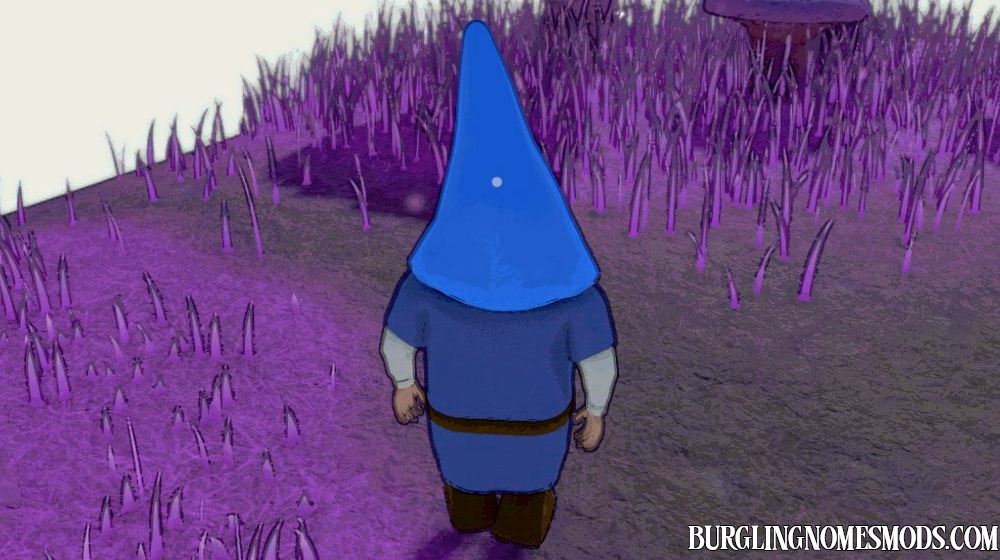
Hat Color
A simple mod that lets you cycle through 12 preset hat colors with a single key.
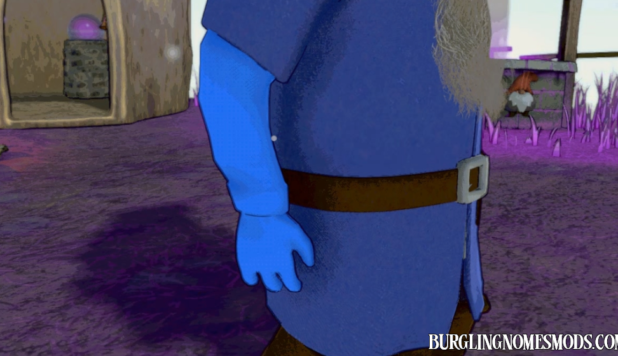
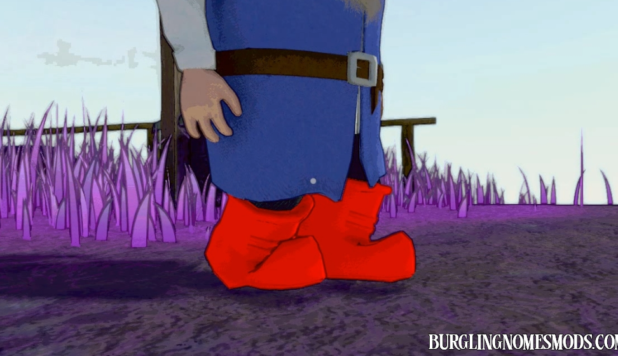
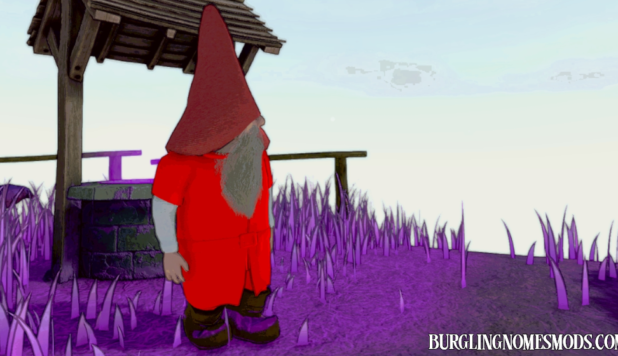
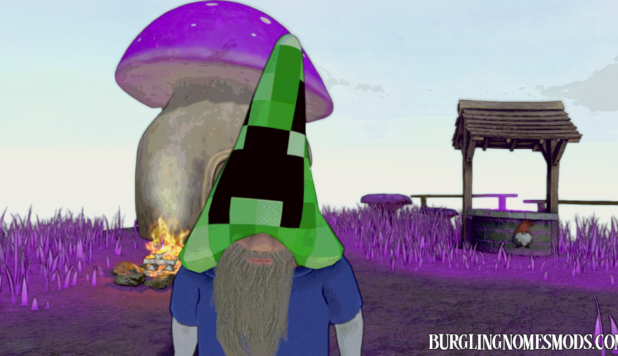
Press H (configurable) to switch to the next color in the cycle: Red, Orange, Yellow, Green, Mint, Cyan, Sky Blue, Blue, Purple, Magenta, White, and Black. Press once more after the last color to restore the original hat color. The current color name briefly appears in the bottom-right corner of the screen and quickly fades out:

Third Person View Mod was used for this demonstration.
UPDATE v.1.1.0:
- Added new colors: Pink, Hot Pink, Coral, Salmon, Gold, Lime, Teal, Indigo, Violet, Brown, Maroon, Olive, Navy, Dark Green, Silver, Cream, Lavender, Turquoise.
- Now when you hold H (or a key you have configured) for 1.5 seconds, the color resets to the default.
- The font has been updated to match the game’s font.
Other color changing mods:
The default keybind can be changed in BepInEx/config/BurglinGnomesMods.com.HatColorMod.cfg. Or you can change it directly in the game’s main menu – for that use Mod Config Manager.
The mod is client-side.
Requirements: BepInEx 5
The mod was created by burglingnomesmods.com.
How to Install
- Make sure you have BepInEx 5 installed.
- Download Hat Color and unzip the archive to Burglin’ Gnomes\BepInEx\plugins.
Detailed guide: How to install mods for Burglin’ Gnomes.