
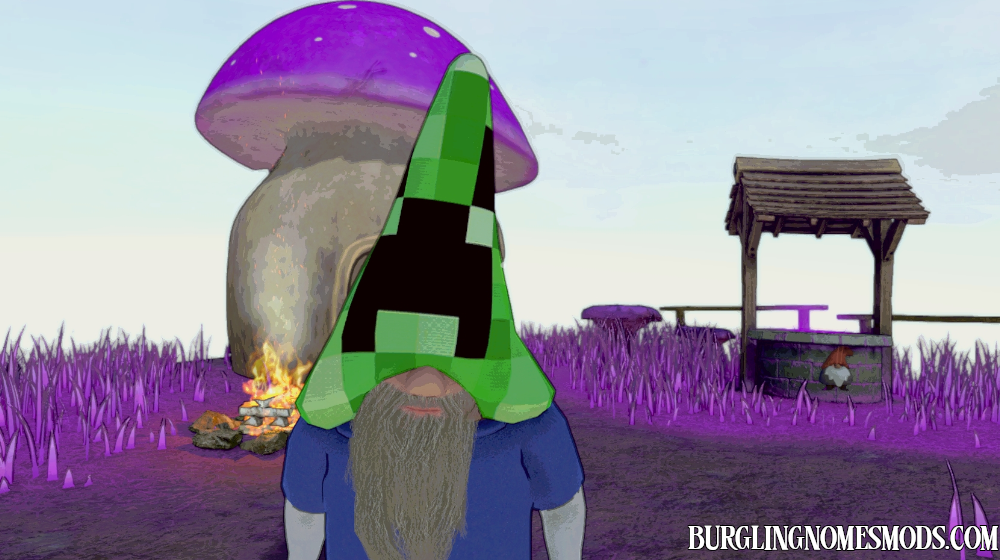
Minecraft Hat Skins Pack
The first pack of Minecraft skins for your gnome’s hat.
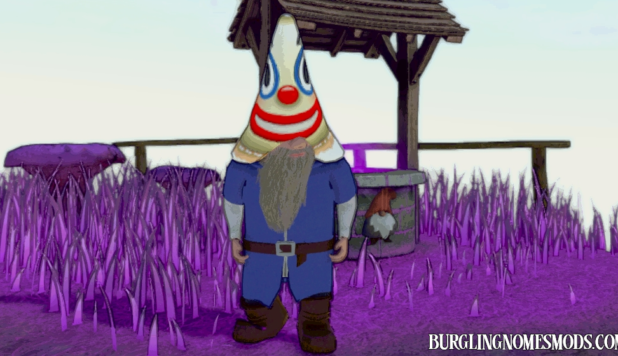
This mod adds 10 Minecraft-themed hat textures to your character. Press H (configurable in BepInEx/config/burglingnomesmods.com.MinecraftHatSkins.cfg or in Mod Config Manager) to cycle through the skins one by one. Each press switches to the next texture; press again after the last one to restore the original hat color.
Included skins:
- Creeper Face
- Diamond Helmet
- Enderman Face
- Grass Block
- Pig Face
- Skeleton face
- Spider face
- Steve
- TNT
- Zombie face
The current skin name briefly appears in the bottom-right corner and fades out after 1.5 seconds.

Since the mod cycles through all PNG files in the minecraft hat skins folder, you can easily add custom textures. Just drop your PNG file(s) into the folder, and the mod will automatically pick them up. Make sure your texture matches the correct UV layout. You can use the included skins as an example.
Requirements: BepInEx 5
The mod was created by burglingnomesmods.com.
How to Install
- Make sure you have BepInEx 5 installed.
- Download Minecraft Hat Skins pack and unzip the archive to Burglin’ Gnomes\BepInEx\plugins.
Detailed guide: How to install mods for Burglin’ Gnomes.
is there a way i can contact you? becuase i have lots of nice mods i would like to upload
Patience my friend. Upload option coming very soon!
Not about that mate i used the code of your third person mod in a mod of yours and i wanted to know if thats okay with you and if it isnt i can take down the mod if that suits you !
https://burglingnomesmods.com/upload-mod/
Well I don’t mind if you make mods using my code (partially) and upload them to my site and nowhere else.
Thank you for understanding im gonna delete the mod from any other platform and would be posted here soon !