
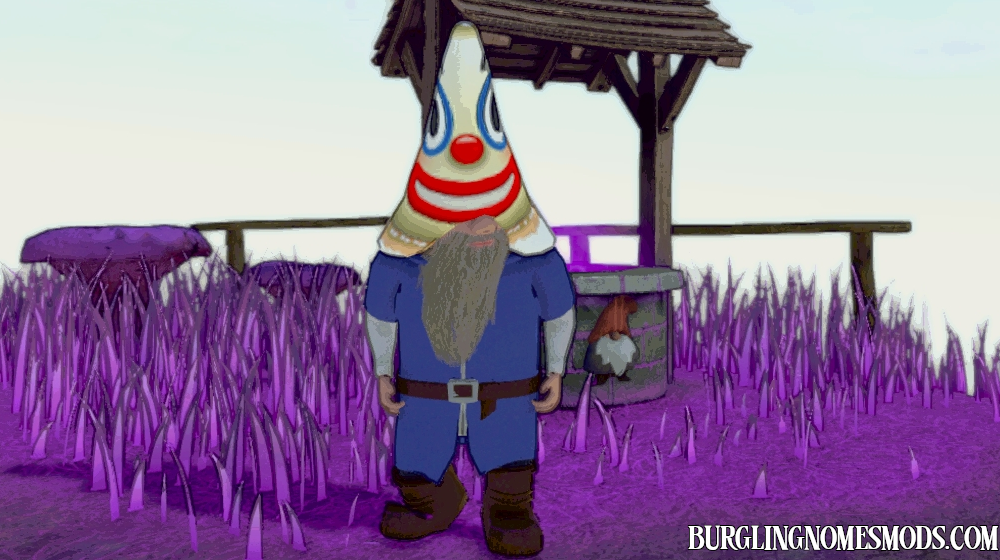
Clown Gnome
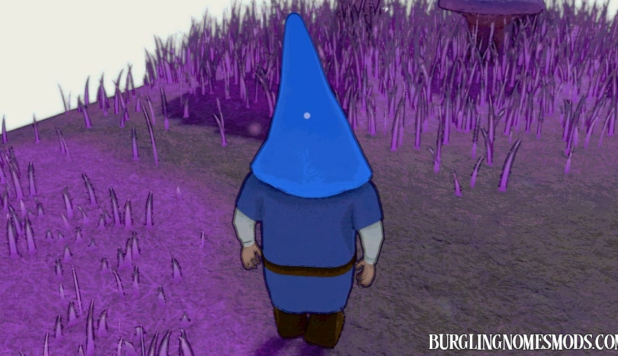
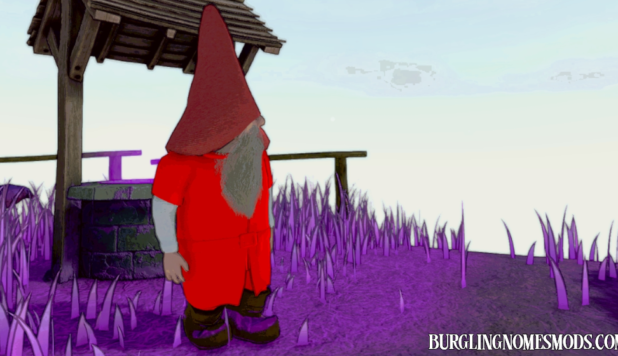
This mod replaces the default hat color with a clown image.
It is a client-side mod, meaning only players who have it installed will see the change. If your friend installs the mod and you don’t, the hat will appear normal on your screen.
Want a custom image on your character’s hat? Leave a comment and let us know what you’d like! You can also share a direct link to the image you’d like to use.
Requirements: BepInEx 5
The mod was created by burglingnomesmods.com.
How to Install
- Make sure you have BepInEx 5 installed.
- Download Clown Gnome and unzip the archive to Burglin’ Gnomes\BepInEx\plugins.
Detailed guide: How to install mods for Burglin’ Gnomes.
add minecraft pls
https://burglingnomesmods.com/minecraft-hat-skins-pack/