
Zoom Mod
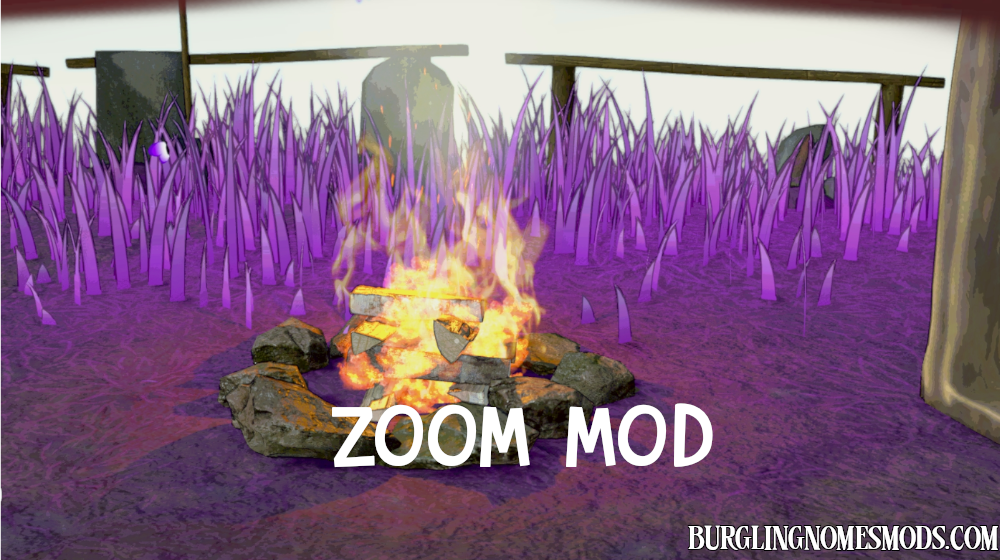
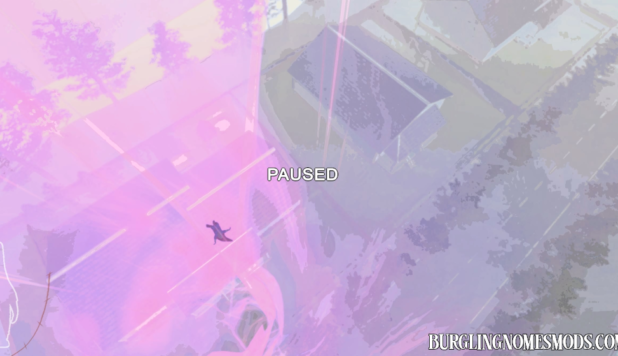
Zoom Mod adds a simple hold-to-zoom feature to the game.

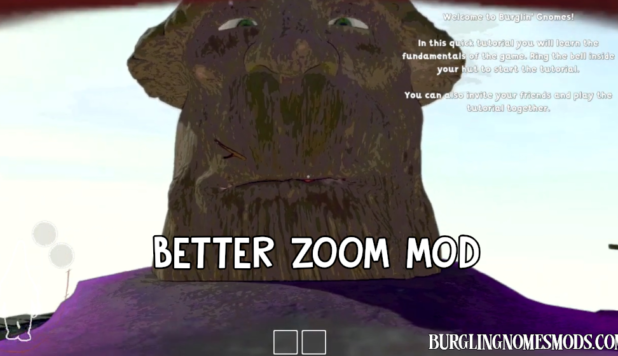
By default, holding Z narrows the camera’s field of view to simulate an optical zoom effect, giving you a closer look at distant targets. Releasing the key instantly returns the camera to its normal field of view.
Configuration
Configuration file located at BepInEx/config/burglingnomesmods.com.ZoomMod.cfg after the first launch.
- ZoomKey = Z (Key to hold for zoom)
- ZoomedFOV = 30 (Field of view while zoomed in)
Or use Mod Config Manager to change keybind and zoomed FOV.
Requirements: BepInEx 5
The mod was created by burglingnomesmods.com.
How to Install
- Make sure you have BepInEx 5 installed.
- Download Zoom Mod and unzip the archive to Burglin’ Gnomes\BepInEx\plugins.
Detailed guide: How to install mods for Burglin’ Gnomes.
Thank you very much man Much apprciated <3
i would love to know how make mods myself but youtube tutorials dont do much for me can you help me out a little and im not asking to be spoonfed