
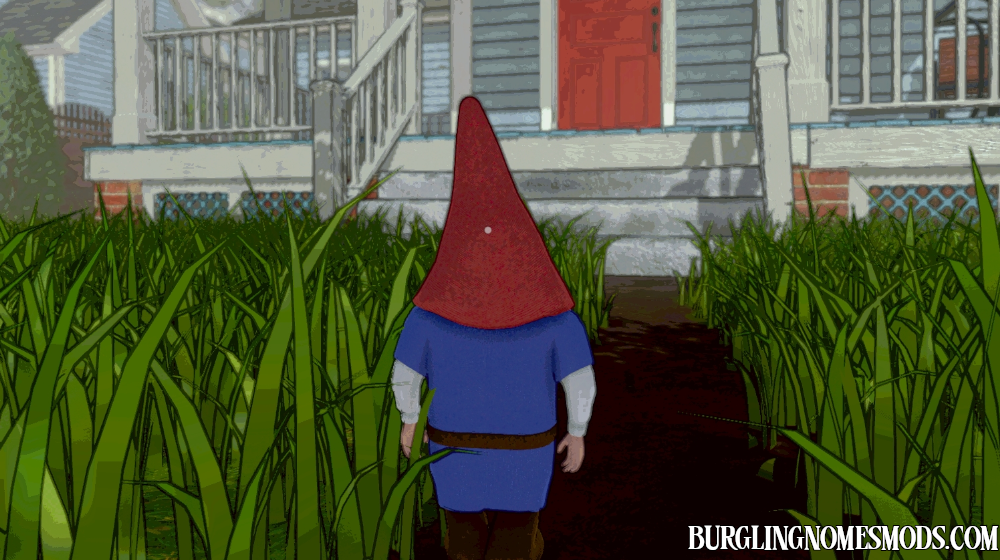
Third Person View Mod
A simple mod that let’s you player the game in 3rd person view.
Use C to toggle the third person view on/off. Use mouse wheel to zoom in or zoom out:

Configuration file burglingnomesmods.com.ThirdPersonMod.cfg is located in Burglin’ Gnomes Demo\BepInEx\config. Change Toggle Key = C if you prefer to use another keybind.
Requirements: BepInEx 5
The mod was created by burglingnomesmods.com.
How to Install
- Make sure you have BepInEx 5 installed.
- Download Third Person View Mod and unzip the archive to Burglin’ Gnomes\BepInEx\plugins.
Detailed guide: How to install mods for Burglin’ Gnomes.
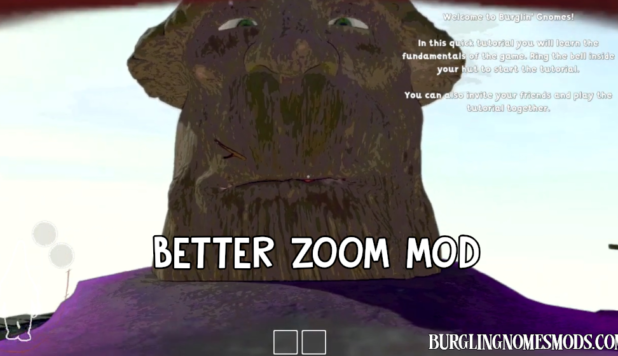
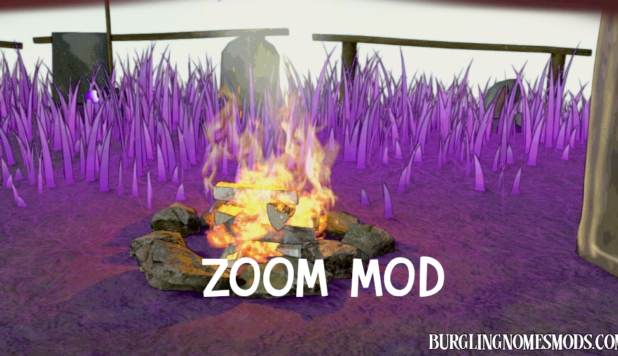
This is so lovely but it would be nice if there was a first person zoom mod
Done: https://burglingnomesmods.com/zoom-mod/