More Players Mod
Allows you to set the maximum number of players in the game’s lobby.
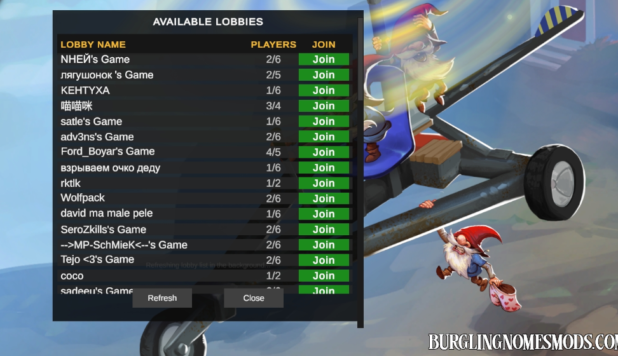
Burglin’ Gnomes lets you invite up to five friends to join your lobby, bringing the total player count to six. The More Players mod increases the player limit to ten.
You can configure the number of players in burglingnomesmods.com.MorePlayersMod.cfg file located in Burglin’ Gnomes Demo\BepInEx\config. By default, the maximum number is set to 10 (Max Players = 10). However, you can change Max Players to whatever you want (up to 100).
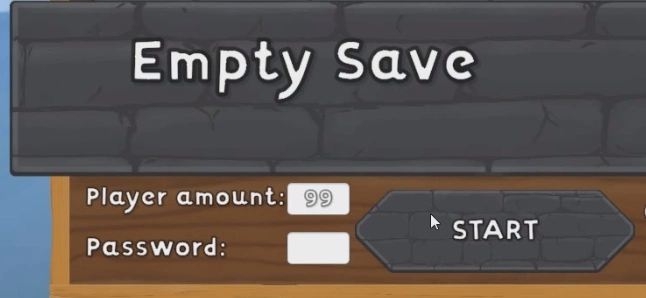
Alternatively, use Mod Config Manager to configure the number directly in the game’s menu.
Note, that setting this value too high can cause significant bugs, network lag, and game instability.
v.1.1.0: Updated to the latest game version.
Requirements: BepInEx 5
The mod was created by burglingnomesmods.com.
How to Install
- Make sure you have BepInEx 5 installed.
- Download More Players Mod and unzip the archive to Burglin’ Gnomes\BepInEx\plugins.
Detailed guide: How to install mods for Burglin’ Gnomes.