LOBBY LIST Mod
Working lobby list for the Burglin’ Gnomes game.
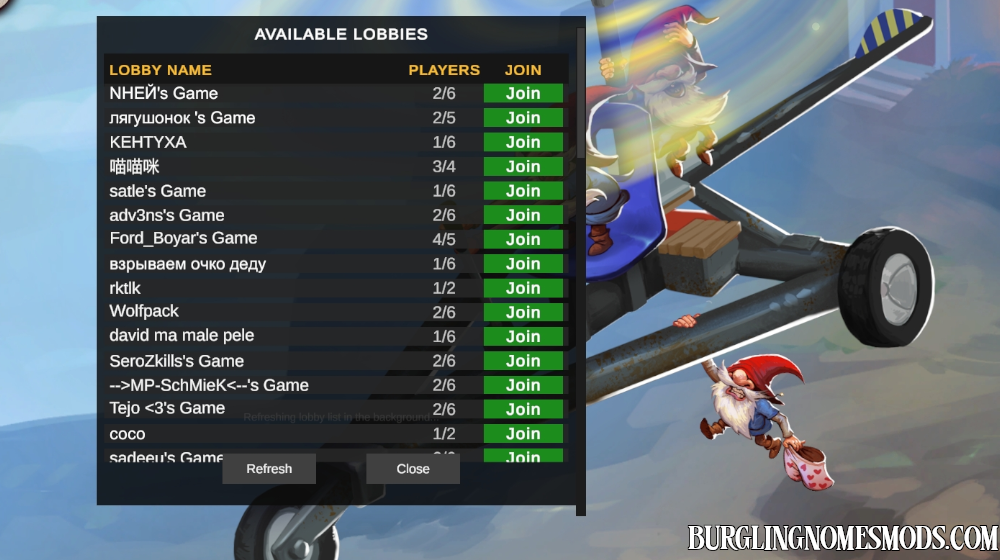

Now you don’t need friends to play the game with other players! Download this mod to get a working lobby list directly in the main menu. Click on the Lobby List at the top left corner, and wait until the game loads available lobbies:
Two more examples of how the Lobby List works:
The game does not support non-ASCII characters but the mod does.
This guy was afk…
As you can see, more lobbies appear in the list over time. Lobbies that are no longer active disappear from the list. Use Refresh button if you don’t see any available game lobbies.
Note, that this mod is in BETA and bugs might occur.
Changelog:
- v.0.4.0: More UI improvements, including support for non-ASCII characters
- v.0.3.0: Improved UI
- v.0.2.0: Improved lobby search
- v.0.1.0: Initial release
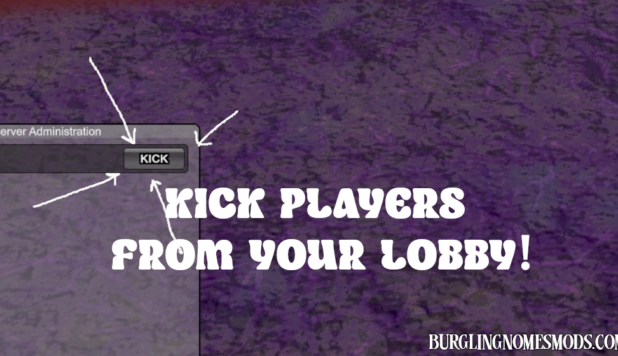
If you don’t want to have random people in your lobby use Kick Players mod.
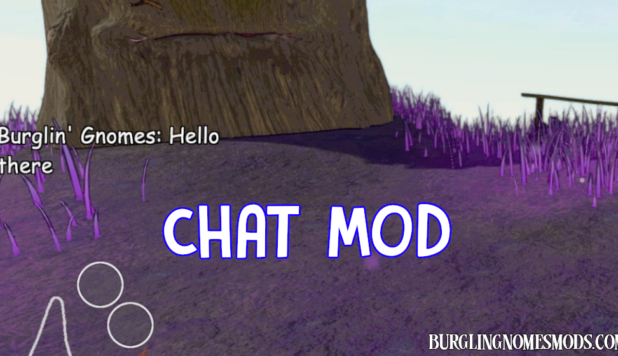
I also recommend to install Chat mod as not everyone has a mic or wants to talk. However, both players have to install it to send and receive messages.
Requirements: BepInEx 5
The mod was created by burglingnomesmods.com.
How to Install
- Make sure you have BepInEx 5 installed.
- Download Lobby List mod and unzip the archive to Burglin’ Gnomes\BepInEx\plugins.
Detailed guide: How to install mods for Burglin’ Gnomes.