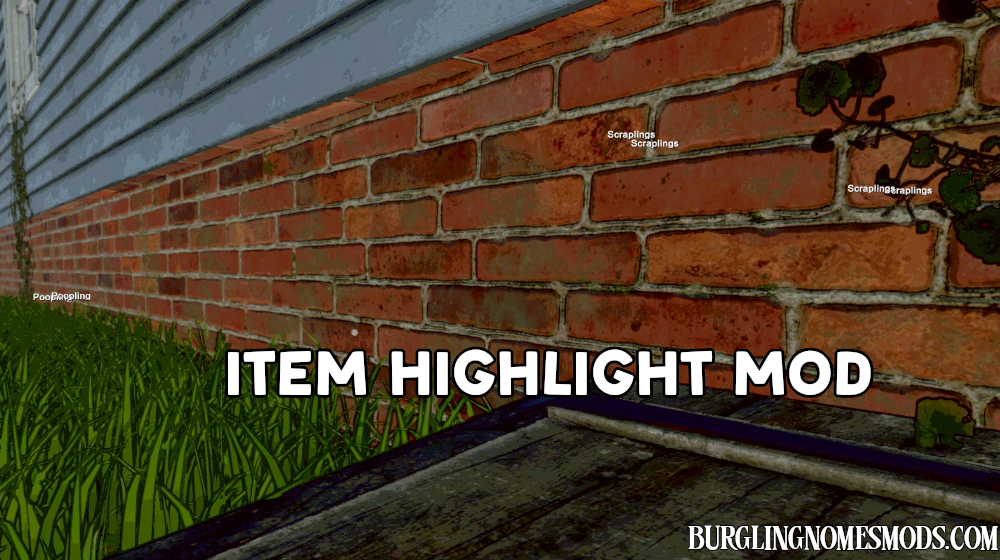
Item Highlight Mod
The mod let’s you find useful items in Burglin’ Gnomes.
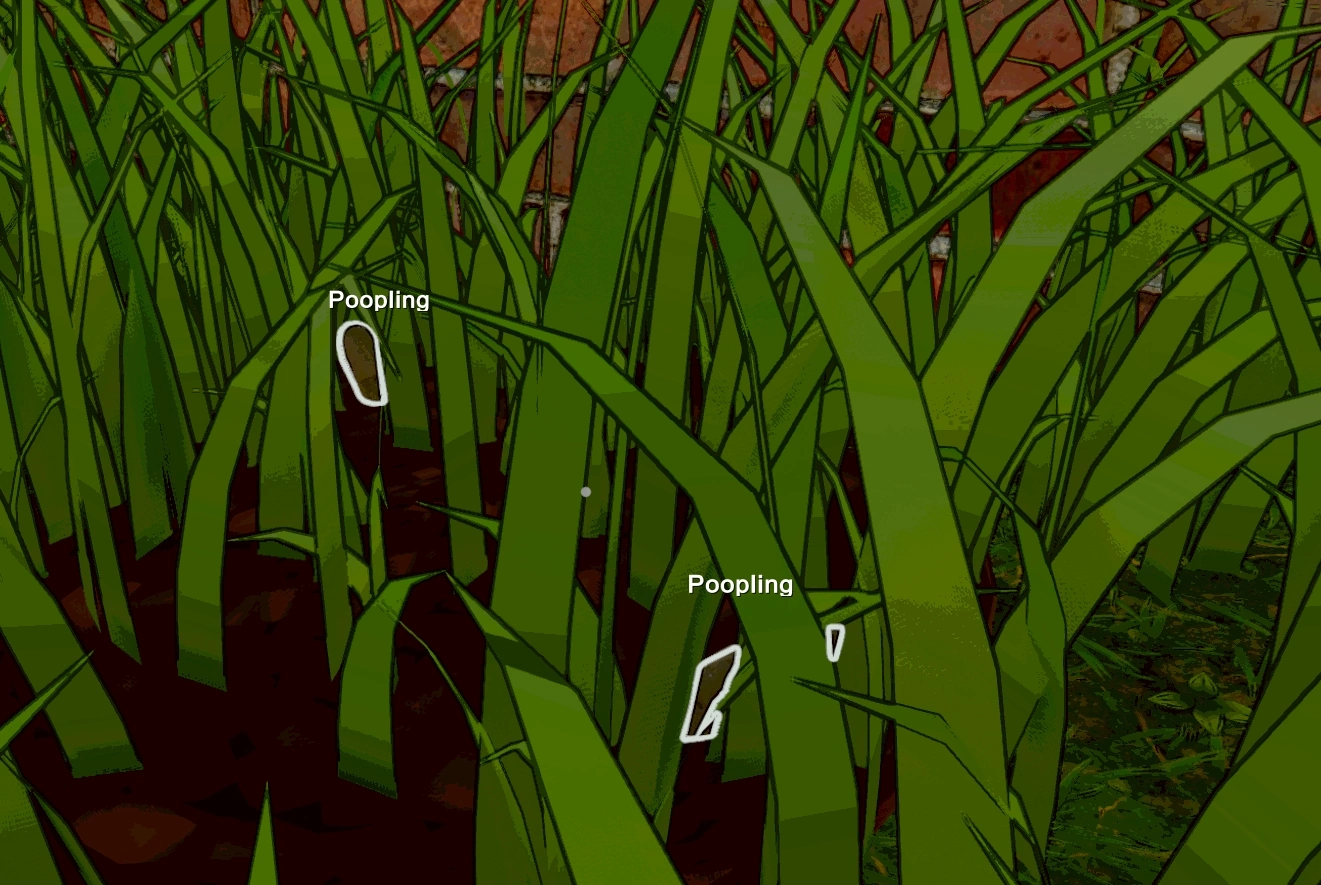
When you press F4, the mod highlights items that can be added to your inventory. If an item is blocked by an object – for example, a wall – you will only see the item’s name. This helps you locate items even when they are not directly visible.
Item Highlight helps you find pooplings, scraplings and other items (if they are present on the map).
The keybind is configurable. Go to Burglin’ Gnomes Demo\BepInEx\config and change F4 to something else in BurglinGnomesMods.com.ItemHighlight.cfg file. Or just install Mod Config Manager to change the hotkey directly in the game (recommended option).
Item Highlight V2
The mod was redone. Now it highlights all inventory items (Scraplings, Poopling, Branch, Clonk) and weapons (Gun, Taser, Grenade, Pepper Spray) on the map. Their labels are visible from any distance.

Regular stealables (vases, cups, books, etc.) also visible. However, their labels only appear when you get close enough, so your screen stays clean. You can configure NearbyDistance in config or Mod Config Manager. It configures how close (in meters) you need to be for regular items to show up. Default: 8. Increase it to see further, decrease it to reduce clutter.

Additionaly, the setting ForceSpawnCabinetContents was added. When it is turned on (default), it automatically forces all cabinets and drawers to spawn their contents so you can see them right away. This setting is host only.
Requirements: BepInEx 5
The mod was created by burglingnomesmods.com.
How to Install
- Make sure you have BepInEx 5 installed.
- Download and unzip the archive to Burglin’ Gnomes\BepInEx\plugins.
Detailed guide: How to install mods for Burglin’ Gnomes.