FPS Boost
A performance mod for Burglin’ Gnomes.
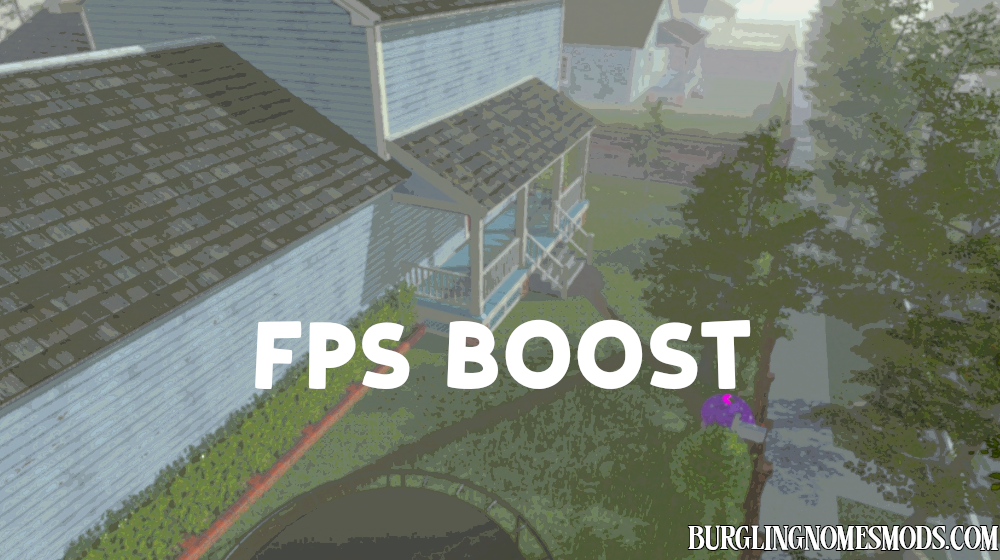
FPS Boost improves performance by reducing some of the game’s heavier visual effects and background rendering work. The goal is to give you smoother gameplay, fewer FPS drops, and lower GPU load.
This mod is client-side. Every player who wants the performance boost should install it.
Features
- Improves FPS and reduces stutters in heavier scenes.
- Lowers GPU usage by reducing expensive reflections, heavy cloud rendering, and post-processing.
- Can reduce GPU temperature.
- Includes a built-in FPS/debug overlay for testing performance.
- Overall, expect a 10-25% FPS increase, depending on the options you enabled.
Main Changes
Temporal Anti-Aliasing Optimizer
Disables the game’s Temporal Anti-Aliasing by default. This can noticeably improve FPS during drops. The tradeoff is that some thin objects, edges, or distant details may shimmer a little more.
Reflection Optimizations
Reduces several heavy reflection effects:
- screen-space reflections;
- real-time reflections;
- mirror-like flat reflections;
- some water refraction effects.
Shiny surfaces, water, or reflective objects may look simpler, but the game should be easier to run.
Sky and Cloud Optimizations
Reduces some of the heavier sky and cloud rendering work. This can improve performance in outdoor or visually heavy areas. The sky may look simpler, especially when heavy volumetric clouds are disabled.
Dynamic Light Limit
Limits how many nearby dynamic lights can affect the scene at the same time. Lower values can improve FPS and reduce GPU heat, especially in areas with many lamps or light sources. The default value is balanced for performance without making the game look too flat.
Experimental Options
FPS Boost also includes a few extra options for testing:
- disable grass rendering for more FPS in outdoor areas;
- reduce background water and atmosphere updates.
These options improve performance, but they make the game look less dynamic (especially grass). They are disabled by default.
Settings
Settings file BurglinGnomesMods.com.FPSBoost.cfg located in Burglin’ Gnomes\BepInEx\config. Use Mod Config Manager to edit values in the game.
[Lighting]
LimitVisibleDynamicLights. Limits how many nearby dynamic lights can affect the scene at the same time. This can reduce GPU load in areas with many lamps or light sources.
MaxVisibleDynamicLights. Controls how many nearby dynamic lights can affect the scene. Range: 1–6. Lower values are better for FPS and GPU temperatures, but lighting may look flatter. The default value of 4 is recommended.
[Post Processing]
DisableTemporalAA. Disables Temporal Anti-Aliasing. This is one of the most useful performance options. It can improve FPS during drops, but some edges or distant details may shimmer more. Set it to false if you prefer the original smoother image.
DisableScreenSpaceReflections. Disables screen-space reflections. This can improve FPS and reduce GPU load. Some shiny surfaces may look less reflective.
[Reflections]
DisableRealtimeReflections. Disables constantly updated real-time reflections. This reduces GPU work. Metallic or shiny objects may use simpler reflections.
DisablePlanarReflections. Disables flat mirror-like reflections used by some water or reflective surfaces. This can noticeably reduce GPU load in areas where those effects are active.
DisablePlanarRefractions. Disables extra refraction rendering used by some water effects. Water may look simpler, but GPU load can be lower.
[SkyMaster]
DisableSkyMasterController. Disables the dynamic sky and cloud controller. Recommended to keep enabled for FPS Boost.
DisableFullVolumeCloudsPass. Disables heavy 3D volumetric cloud rendering. This can improve FPS and reduce GPU load, especially on weaker PCs. The sky may look simpler.
CloudDownSampleMinimum. Only matters if volumetric clouds are enabled again. Controls how low-resolution volumetric clouds are allowed to render:
- 1: best quality, highest GPU load;
- 2: recommended lighter clouds;
- 4 or higher: faster, but clouds may look blurrier or blockier.
[Experimental]
ForceDisableGrass. Disables grass rendering. Improves FPS in outdoor areas, but the environment will look more empty. Disabled by default.
ReduceDynamicWaterUpdates. Reduces background water and atmosphere updates. This may improve FPS even when water is not directly visible, because some water-related systems may still run in the scene. Water, fog, underwater visuals, or weather-related effects may look less dynamic. Disabled by default.
[Overlay]
ShowDebugOverlay. Shows the FPS Boost debug overlay in the top-right corner. Useful for testing FPS, frame time, 1% lows, and active optimization states. Disabled by default.
ToggleDebugOverlayKey. Hotkey used to show or hide the debug overlay. Default: F9.
OverlayUpdateInterval. How often the overlay text updates. Lower values refresh faster but can look more jumpy. 0.25 is a good default.
OverlayShowAdvancedStats. Shows extra overlay lines with the current optimization states, such as TAA, reflections, clouds, lights, and water/atmosphere updates. Disabled by default.
OverlayResetStatsKey. Hotkey used to reset the 30-second average, 1% low, and worst FPS stats. Default: F10.
Recommended Defaults
The default settings are designed to improve FPS while keeping the game playable and visually close enough to the vanilla version. If you want even better performance, enable ForceDisableGrass, set CloudDownSampleMinimum to a higher value, and lower MaxVisibleDynamicLights. Disabling grass is not recommended unless you want even more FPS at the expense of worse visuals (or if you just hate grass in Burglin’ Gnomes!).
Requirements: BepInEx 5
The mod was created by burglingnomesmods.com.
How to Install
- Make sure you have BepInEx 5 installed.
- Download FPS Boost and unzip the archive to Burglin’ Gnomes\BepInEx\plugins.
Detailed guide: How to install mods for Burglin’ Gnomes.