FOV Slider
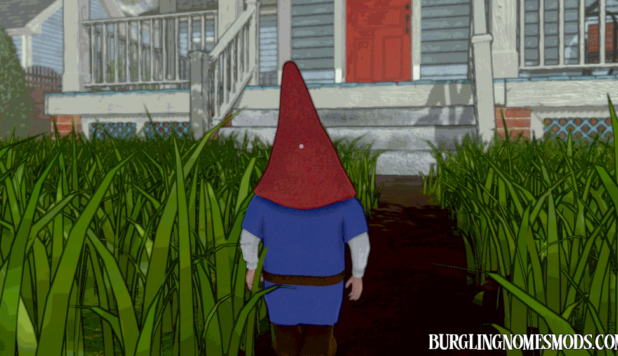
A simple client-side FOV mod for Burglin’ Gnomes.
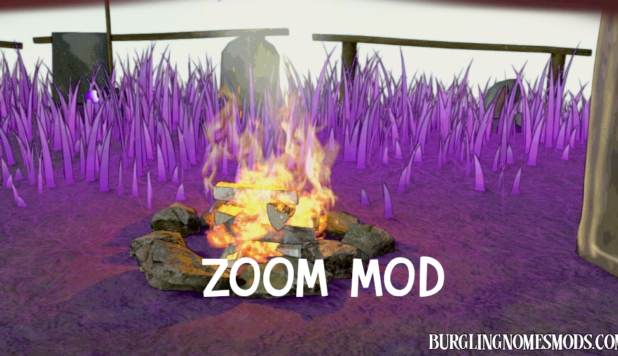
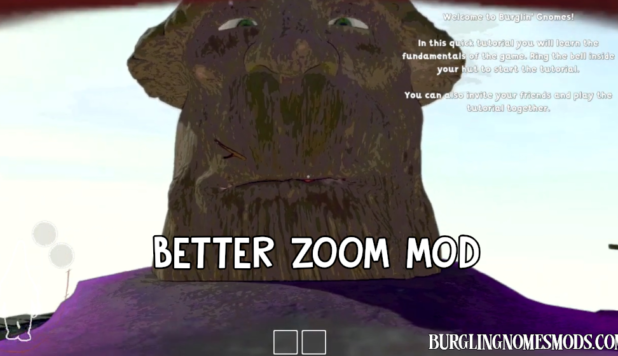
Press the configurable hotkey in-game (default: F6) to open a small FOV slider, adjust your camera view in real time, and close it when you’re done. The mod saves your chosen value to the config, so your preferred FOV is restored the next time you launch the game.
Features
- Real-time FOV slider
- Configurable toggle key
- Configurable minimum and maximum FOV range
- Quick preset buttons
- Default FOV button
- Saves your selected FOV automatically
Default Settings
- Toggle key: F6
- Default FOV: 70
- Minimum FOV: 40
- Maximum FOV: 120
Settings can be adjusted in BurglinGnomesMods.com.FOVSlider or by using Mod Config Manager.
Requirements: BepInEx 5
The mod was created by burglingnomesmods.com.
How to Install
- Make sure you have BepInEx 5 installed.
- Download FOV Slider and unzip the archive to Burglin’ Gnomes\BepInEx\plugins.
Detailed guide: How to install mods for Burglin’ Gnomes.