Hide UI
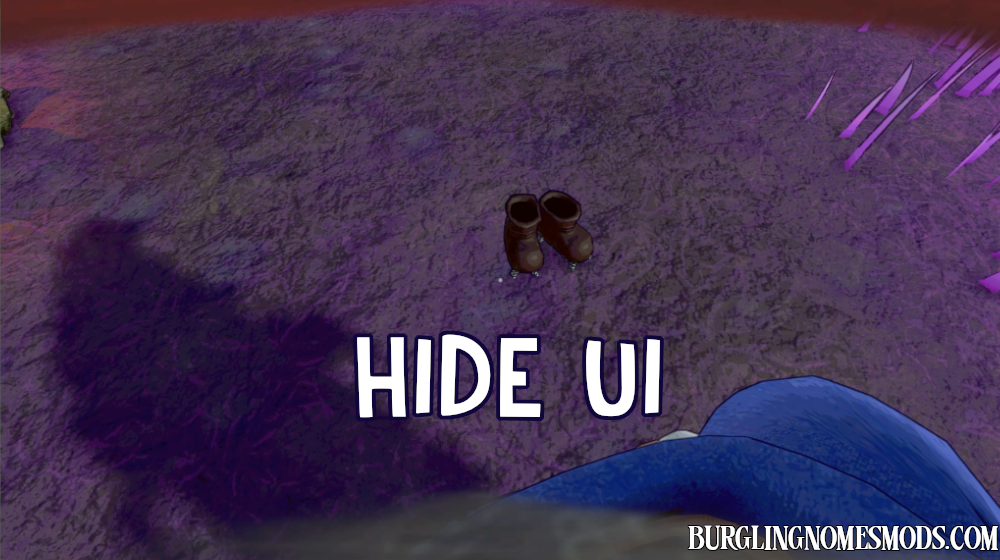
A simple mod that hides UI in Burglin’ Gnomes.
Press F2 to hide UI in the game. Press the key once again to display it.
You can still interact with items even when your UI is hidden. See the mod in action:

You can configure the keybind in BepInEx\config\burglingnomesmods.com.HideUI.cfg or by using Mod Config Manager.
This is a client-side mod.
Requirements: BepInEx 5
The mod was created by burglingnomesmods.com.
How to Install
- Make sure you have BepInEx 5 installed.
- Download Hide UI and unzip the archive to Burglin’ Gnomes\BepInEx\plugins.
Detailed guide: How to install mods for Burglin’ Gnomes.