Manual Save
The mod lets you save your game.
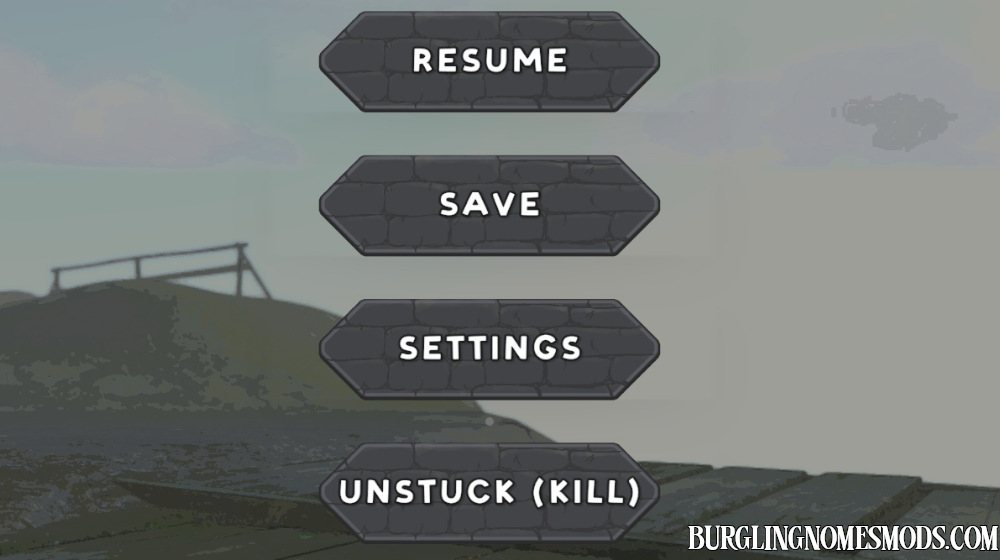

Press F8 or use the new SAVE button in the ESC menu while you are in a level. The mod saves your gnome’s inventory and the items/resources stored in the stockpile box, using the same save slot you started the game with.
FEATURES / NOTES:
- Only the host can save.
- Requires an existing save file, so finish Day 1 normally first.
- Saves the host gnome’s inventory.
- Saves the stockpile/resource box.
- Works only during gameplay level, not in the lobby.
This is not a full “save all” system: it does not save your exact position, enemies, opened doors/windows, level state, or loose items lying around the house. It only updates the inventory items/stockpile box.
Requirements: BepInEx 5
The mod was created by burglingnomesmods.com.
How to Install
- Make sure you have BepInEx 5 installed.
- Download Manual Save and unzip the archive to Burglin’ Gnomes\BepInEx\plugins.
Detailed guide: How to install mods for Burglin’ Gnomes.