
Spawn Menu
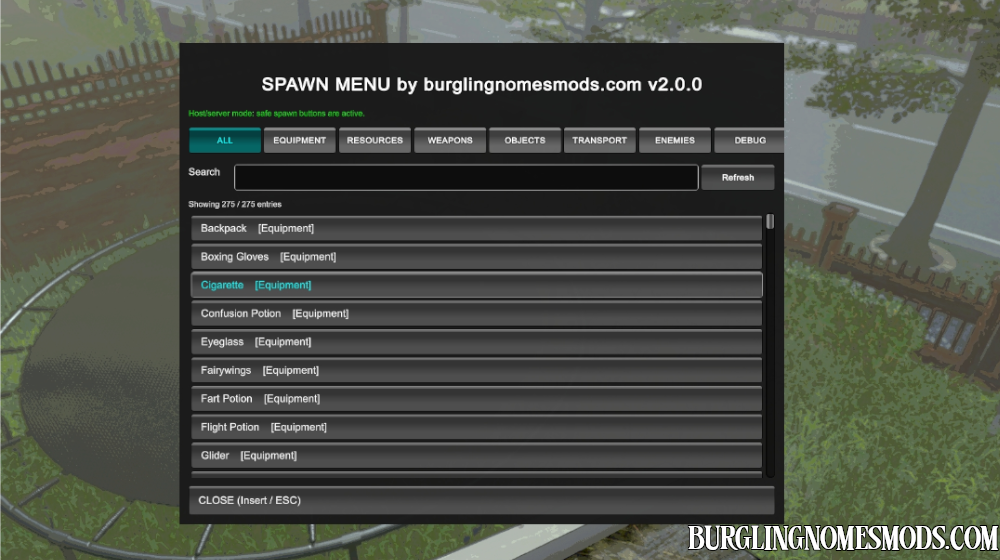
Spawn Menu adds an in-game host-side menu for spawning items, resources, weapons, objects, vehicles, and enemies in Burglin’ Gnomes.
Open the spawn menu using Insert key. Close it with ESC or Insert. You can also use the search bar, located just below spawn categories, to find and spawn any item/enemy you want.
Important Lobby Note
The lobby is the area where gnomes appear and ring the bell to start a run. By default the option AllowLobbySpawning is set to false (or OFF in Mod Config Manager). It means nothing can be spawned in the lobby. This is intended behavior, not a bug. Start a level first, then open the menu again to spawn things.
If you want to allow spawning in the lobby, set: AllowLobbySpawning = true (or ON in Mod Config Manager). Enemies still require a loaded level.
Settings file BurglinGnomesMods.com.SpawnMenu is stored in BepInEx\config. Better use Mod Config Manager to edit settings.
SPAWN MENU TABS
There are a few tabs in the menu. Let’s take a closer look at them.
EQUIPMENT:
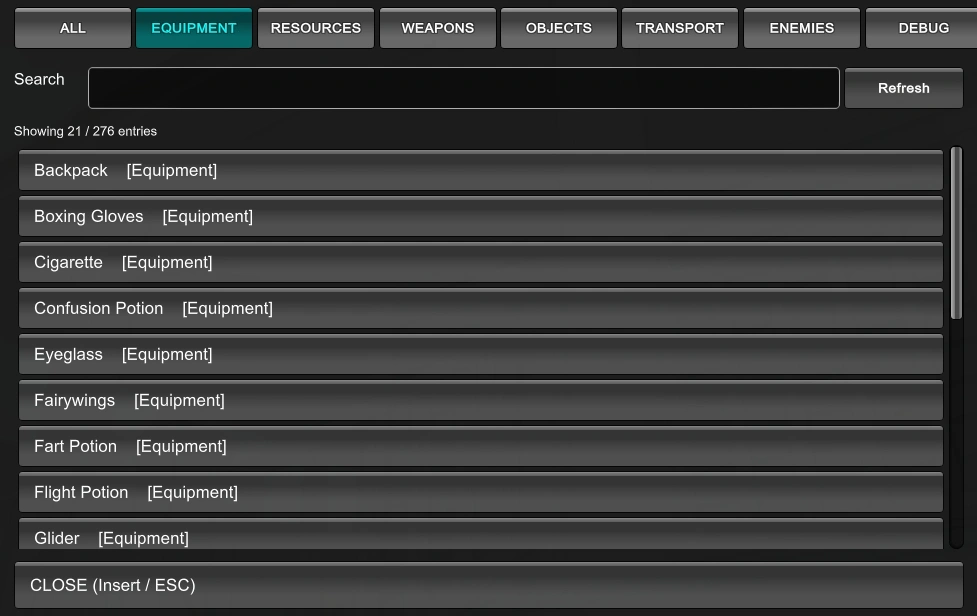
It features all items that you can equip yourself with (except for weapons).
RESOURCES:
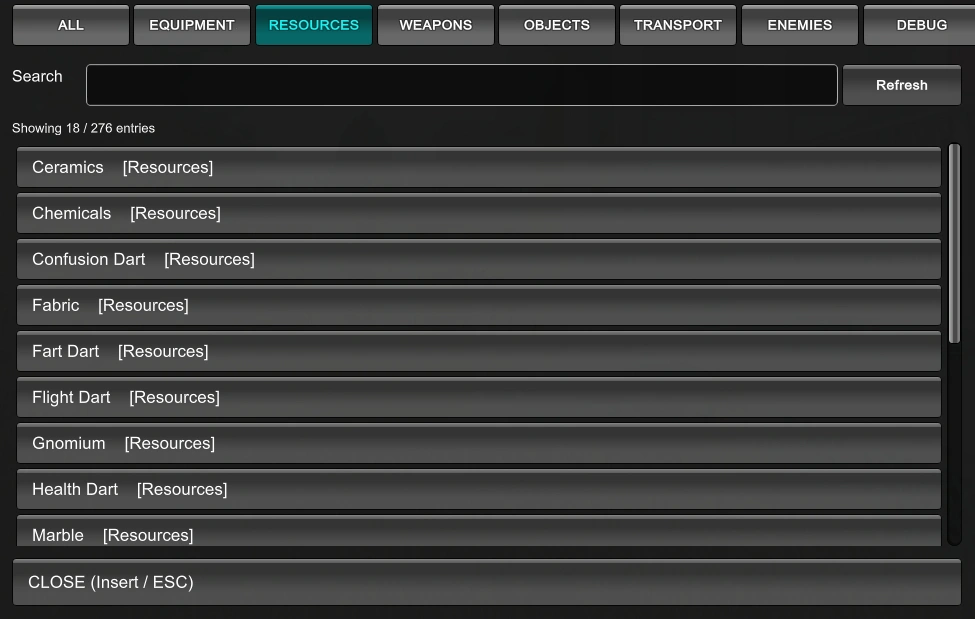
Mostly items that you can use to craft other items and perform other actions (for tasks).
WEAPONS:
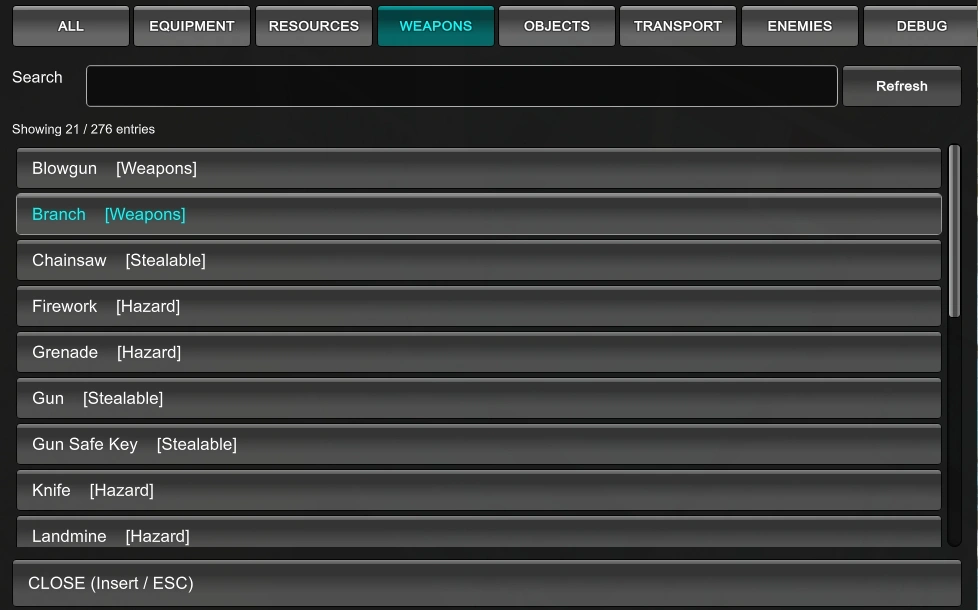
Includes all kinds of weapons in the game.
OBJECTS:
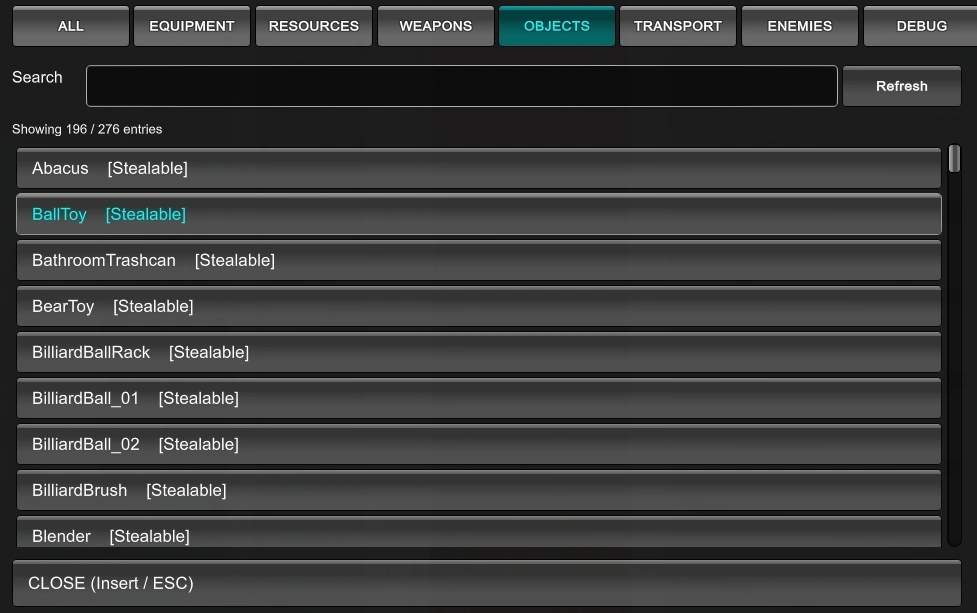
Various objects in the game. Some are interactable while others are not.
TRANSPORT:
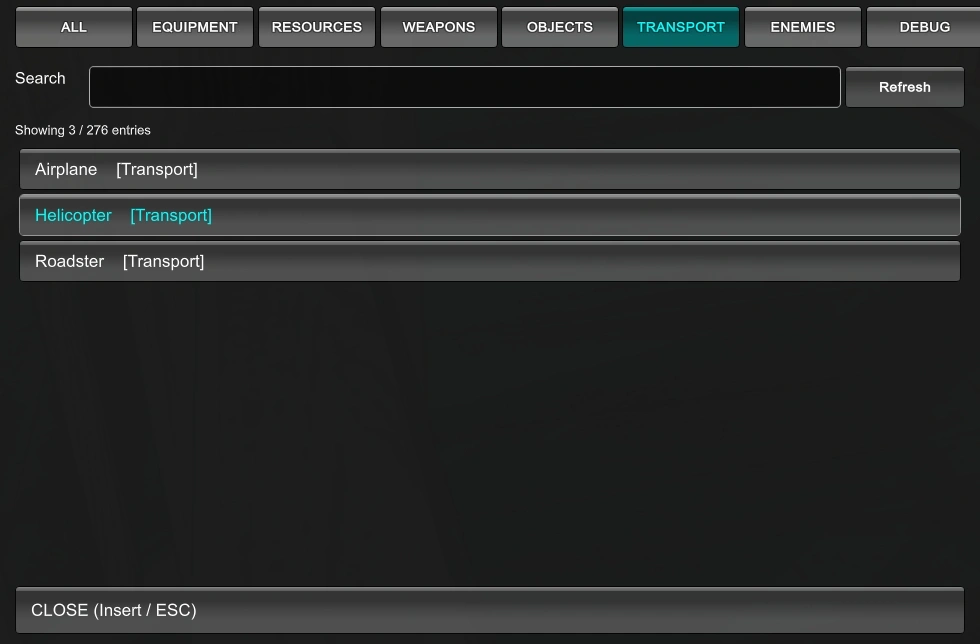
Features transport in the game. Drive or fly!
ENEMIES:
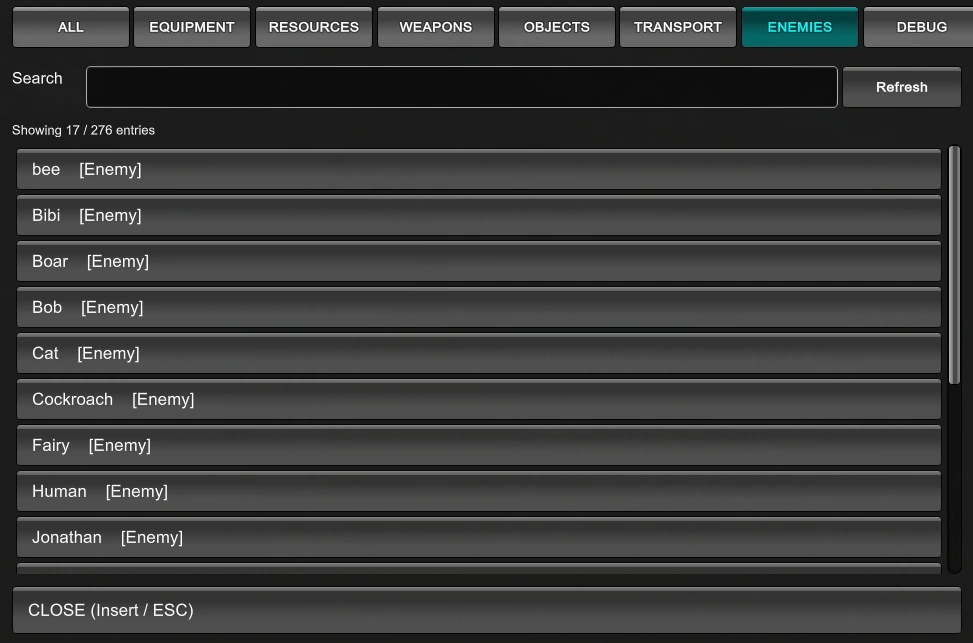
Spawn enemies to create even more chaos or challenge!
ALL tab features every item, object the game has to offer as a spawn item.
DEBUG tab displays items when ShowDebugTab = true (ON).
What’s New in Spawn Menu 2
- Reworked the spawn list discovery system.
- Improved category sorting for Equipment, Resources, Weapons, Transport, Enemies, Objects, and Debug.
- Added a Debug tab for variants, raw prefabs, runtime objects, and unsafe entries.
- Added safer ground placement for spawned objects.
- Added physics stabilization after spawning to reduce objects instantly falling, flying away, or despawning.
- Improved weapon and hazard spawning, including objects like knives, traps, darts, gas bottles, and similar items.
- Added an option to choose whether spawned objects use the menu-open position or the player’s current position.
- Better names for item names.
- Fixed several category issues with Equipment, Resources, Weapons, and Enemies.
- Some other small fixes.
A short example of spawning some objects and weapons. Note that the spawn location is determined when the Spawn Menu window is opened, not by the player’s current position:
Spawning some enemies:

The search option is useful if you want to spawn an item or an object in the “ALL” tab that can be spawned in the game on the current level. However, clicking the search field disables ESC and Insert. To reactivate them, click on an item, a tab, or anywhere outside the search box:
Config Options
General
OpenMenuKey = Insert
Changes the key used to open the Spawn Menu.
CloseMenuAfterSpawn = false
If enabled, the menu closes after spawning an entry.
Display
ShowDebugTab = false
Shows or hides the Debug tab. The Debug tab contains raw prefabs, variants, runtime objects, and entries that may not behave like normal spawnable items.
Safety
AllowLobbySpawning = false
Allows or blocks spawning in the lobby. When disabled, spawning only works after a level has started. This is the recommended setting. Enemies still require a loaded level.
Placement
SpawnDistance = 1.35
Controls how far from the player objects are placed.
SpawnAtCurrentPlayerPosition = false
When disabled, spawned objects use the player position from the moment the menu was opened. When enabled, spawned objects use the player’s current position at the moment the Spawn button is clicked.
Requirements: BepInEx 5
The mod was created by burglingnomesmods.com.
How to Install
- Make sure you have BepInEx 5 installed.
- Download Spawn Menu and unzip the archive to Burglin’ Gnomes\BepInEx\plugins.
Detailed guide: How to install mods for Burglin’ Gnomes.

This spawn mode or other modes are not working, is there a reason?
I don’t know about other spawn mods, but mine works:
https://burglingnomesmods.com/wp-content/uploads/2026/02/spawn-menu-1.0.1-mod-test.mp4
idk if this is a virus someone pls tell me
No it’s just a spawn menu
у меня загрузился мод но как открить панель
Insert
we are waiting for a release for optimization
This is really confusing to install. Does anyone have a video I can watch to learn